Print timelapses
Every printed part of the arm comes off a print plate, and each plate gets a timelapse here. Each timelapse is the X1C printer's own camera recording, sped up. An entry lists the part files on the plate, the material and settings, the layer count and the print time. It also links the milestones the parts belong to.
A plate still on the printer reads Printing, timelapse coming until its video is up.
The parts are PETG; the official Printing page explains why. The milestone videos are separate: they explain each step to camera.
Test print
Watch the timelapse (MP4). Poster.
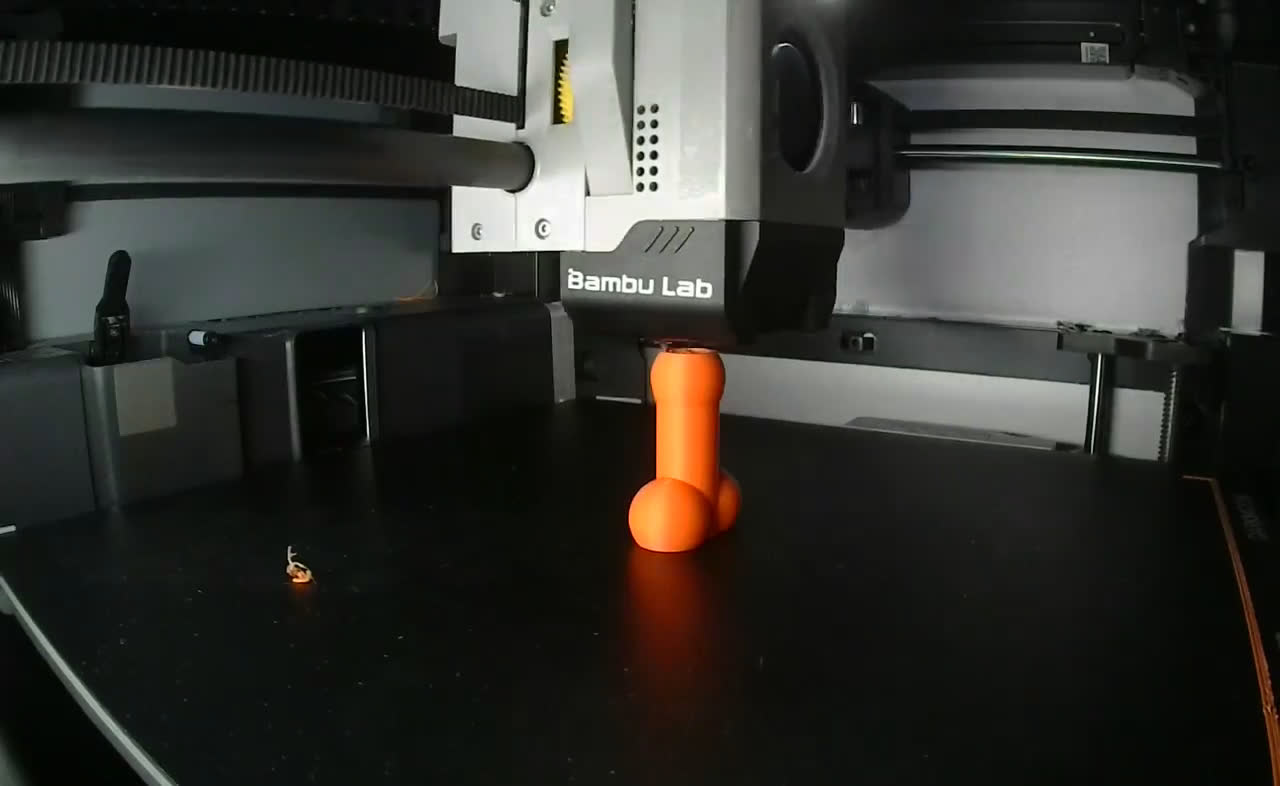
- Parts: none, printed before any PAROL6 parts.
- Material: Orange PETG HF.
- Layers: 219.
- Print time: 41 min.
- Milestones: none.
Plate 0: wrist and E-stop box
Watch the timelapse (MP4). Poster.
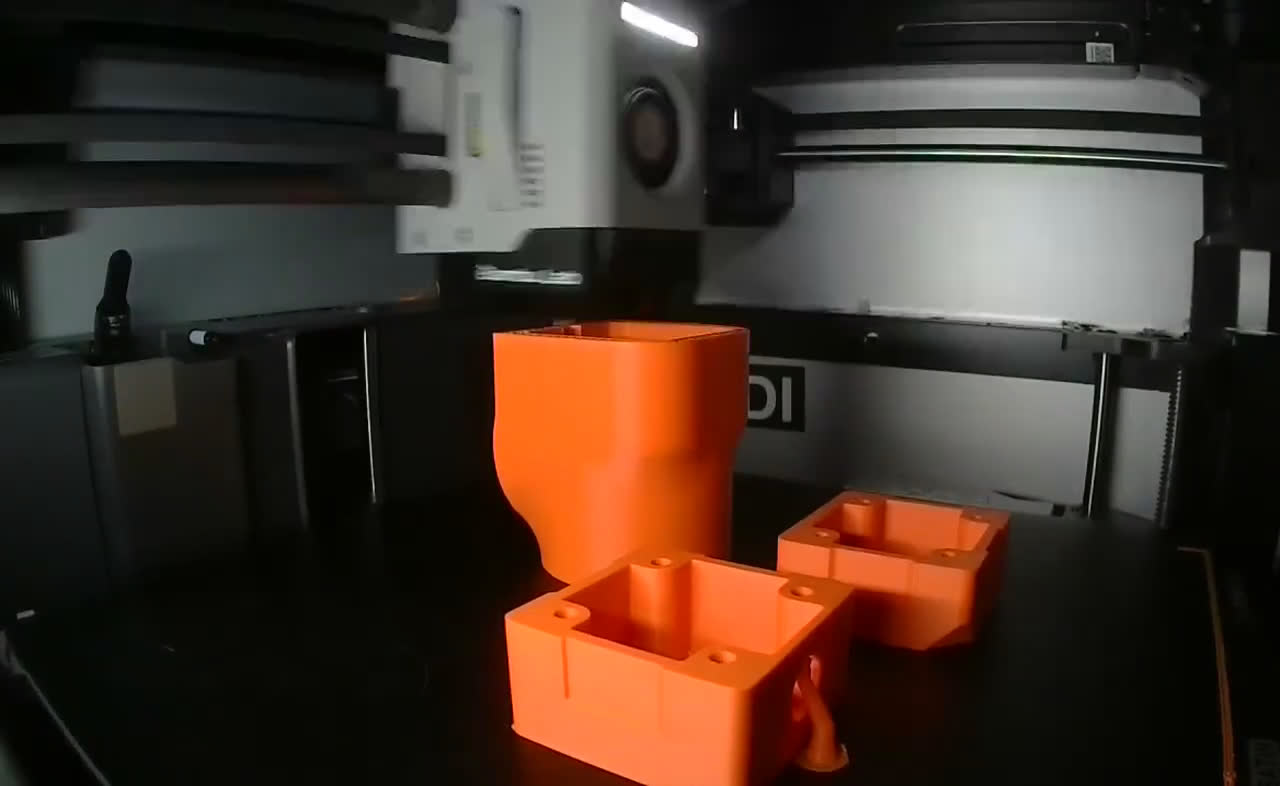
- Parts:
WRIST/wrist,ESTOP/ESTOP_BOTTOM,ESTOP/ESTOP_TOP(the M2 wrist part and the M1 E-stop box). - Material: Orange PETG HF, 40% infill, tree supports.
- Layers: 405.
- Print time: about 3.5 h.
- Milestones: M1. Bench it, M2. One joint.
- Note: The first attempt stopped at bed levelling because of a PETG clump on the nozzle. The retry ran clean.
Plate 1: J5 forearm part and lids
Watch the timelapse (MP4). Poster.
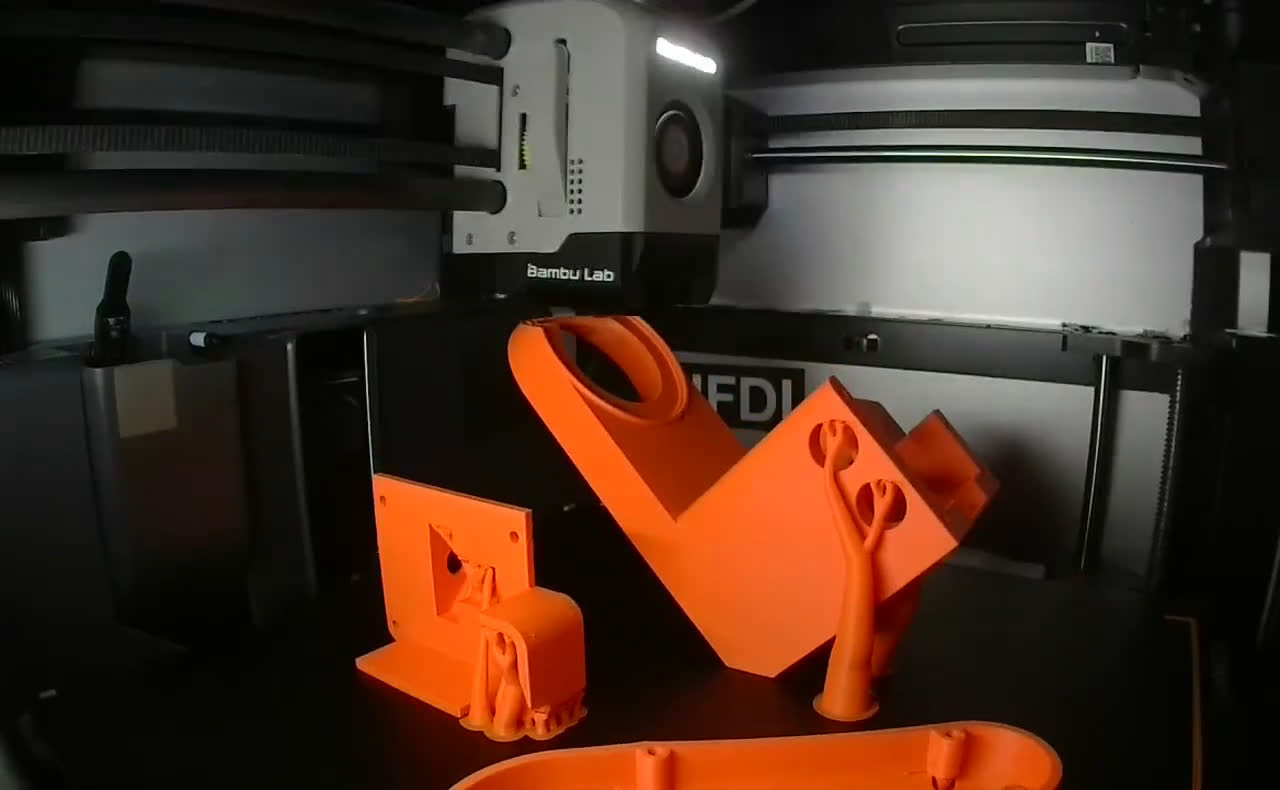
- Parts:
FOREARM/J5_part,J5_belt_lid,J5_electronics_lid(the first M3 forearm parts). - Material: Orange PETG HF, 30% infill, tree supports.
- Layers: 498.
- Print time: about 4 h 40 min.
- Milestones: M3. The whole arm.
Plate 3: pulleys
Watch the timelapse (MP4). Poster.
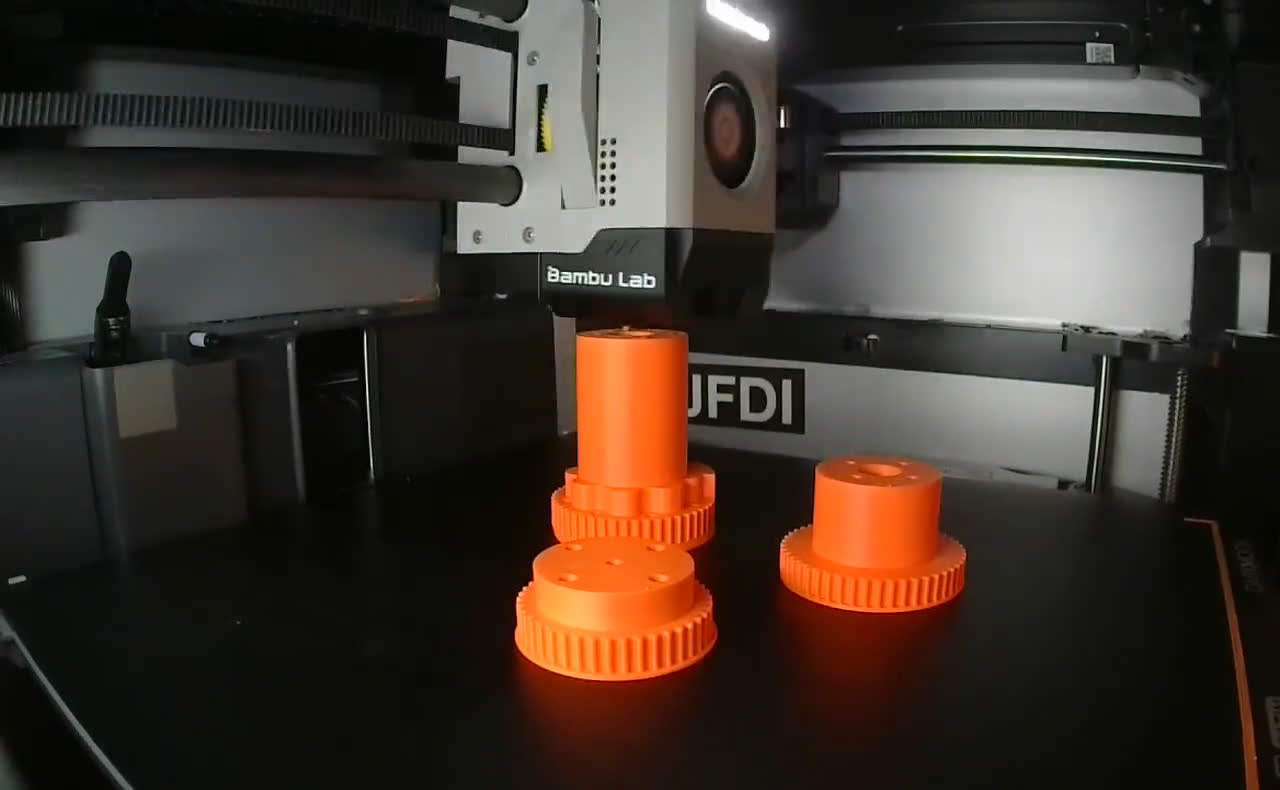
- Parts:
UPPER_ARM/42_pulley,FOREARM/HTD3_48_J5_pulley,FOREARM/J4_output_pulley(pulleys; the 42 pulley is a belt-fit test). - Material: Orange PETG HF, 70% infill.
- Layers: 302.
- Print time: about 3 h.
- Milestones: M3. The whole arm.
Plate 4: elbow and upper arm
Watch the timelapse (MP4). Poster.
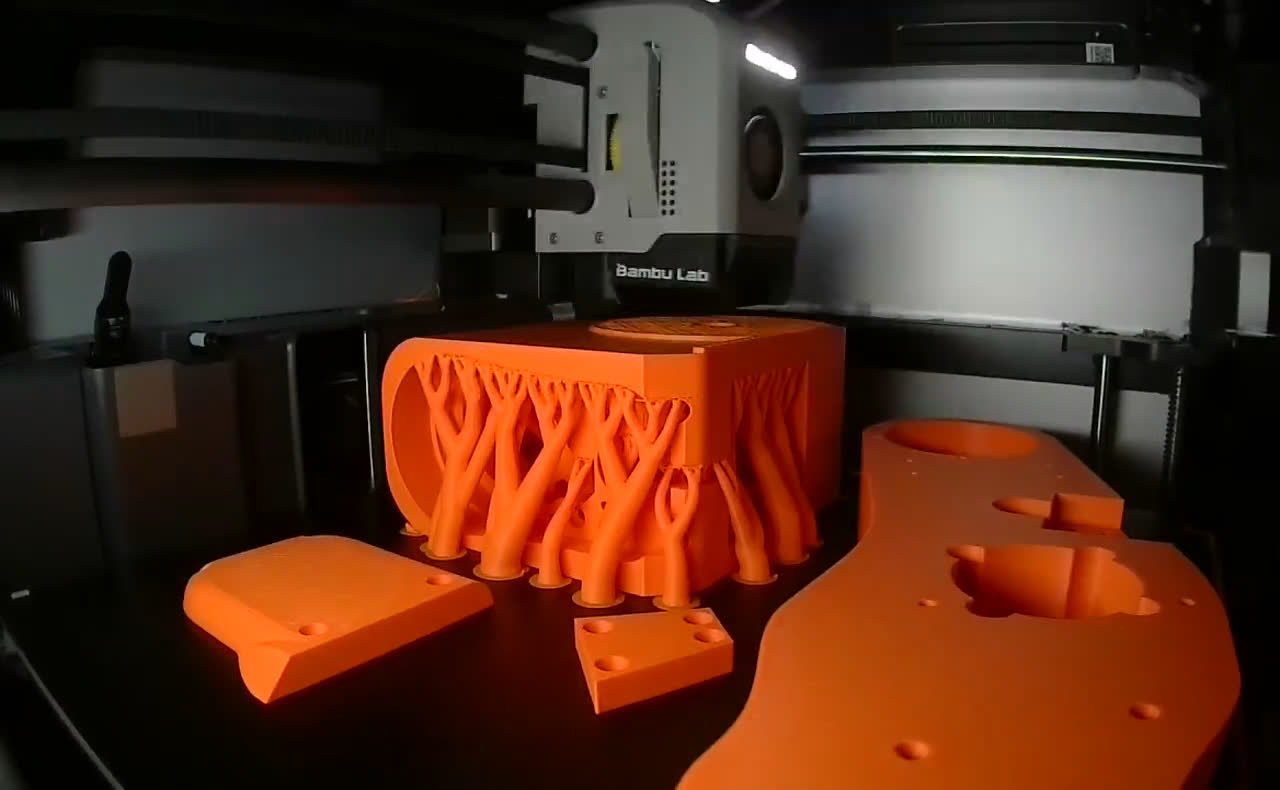
- Parts:
ELBOW/Elbow_part,UPPER_ARM/Upper_arm,ELBOW/Elbow_lid_1,UPPER_ARM/Upper_arm_wires_cover(the elbow and upper arm). - Material: Orange PETG HF, 30% infill.
- Layers: 323.
- Print time: about 9 h 45 min.
- Milestones: M3. The whole arm.
Plate 5: upper-arm and elbow covers
Watch the timelapse (MP4). Poster.
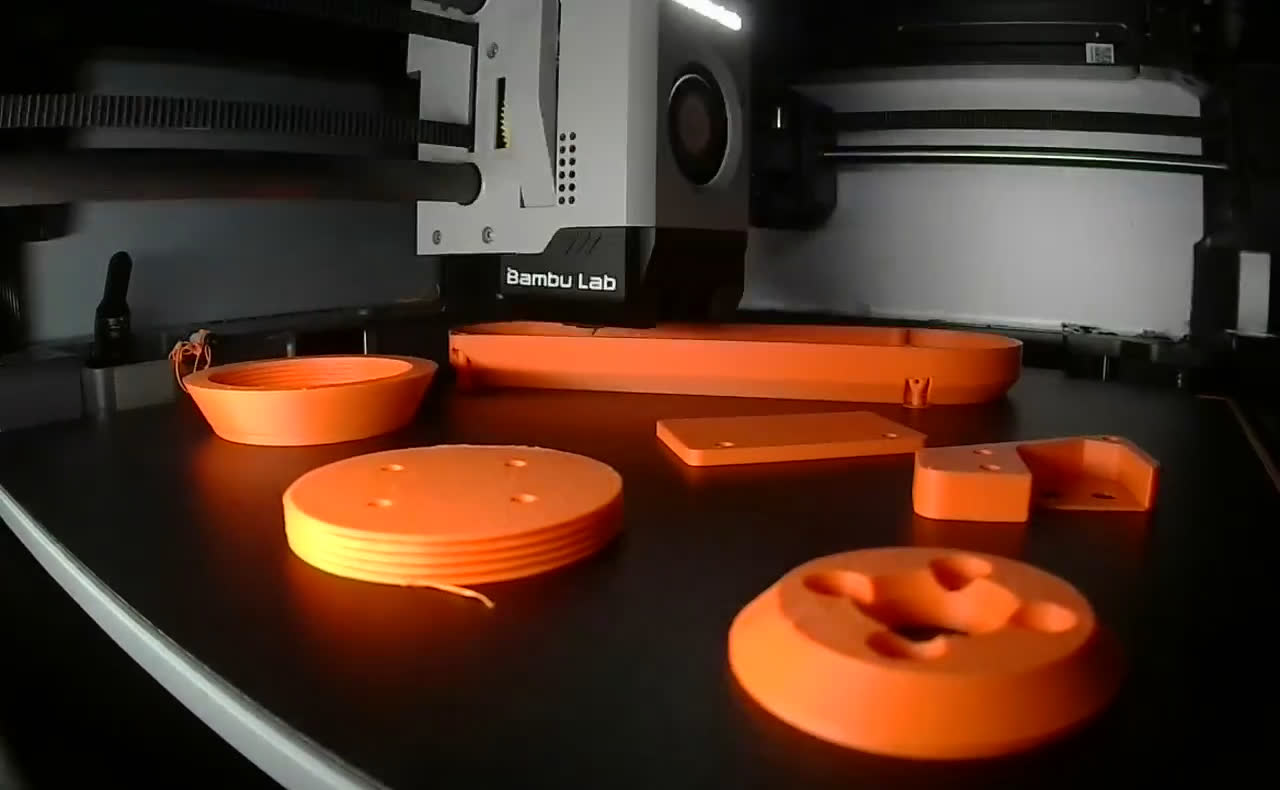
- Parts:
UPPER_ARM/Upper_arm_cover,UPPER_ARM/J2_cover,UPPER_ARM/J2_bearing_backplate,ELBOW/J4_bearing_backplate,ELBOW/Elbow_lid_2,UPPER_ARM/J3_limit_switch_cover(the upper-arm and elbow covers and backplates). - Material: Orange PETG HF, 30% infill.
- Layers: 83.
- Print time: about 1 h 50 min.
- Milestones: M3. The whole arm.
Plate 6: shafts, pulley and limiter
Watch the timelapse (MP4). Poster.
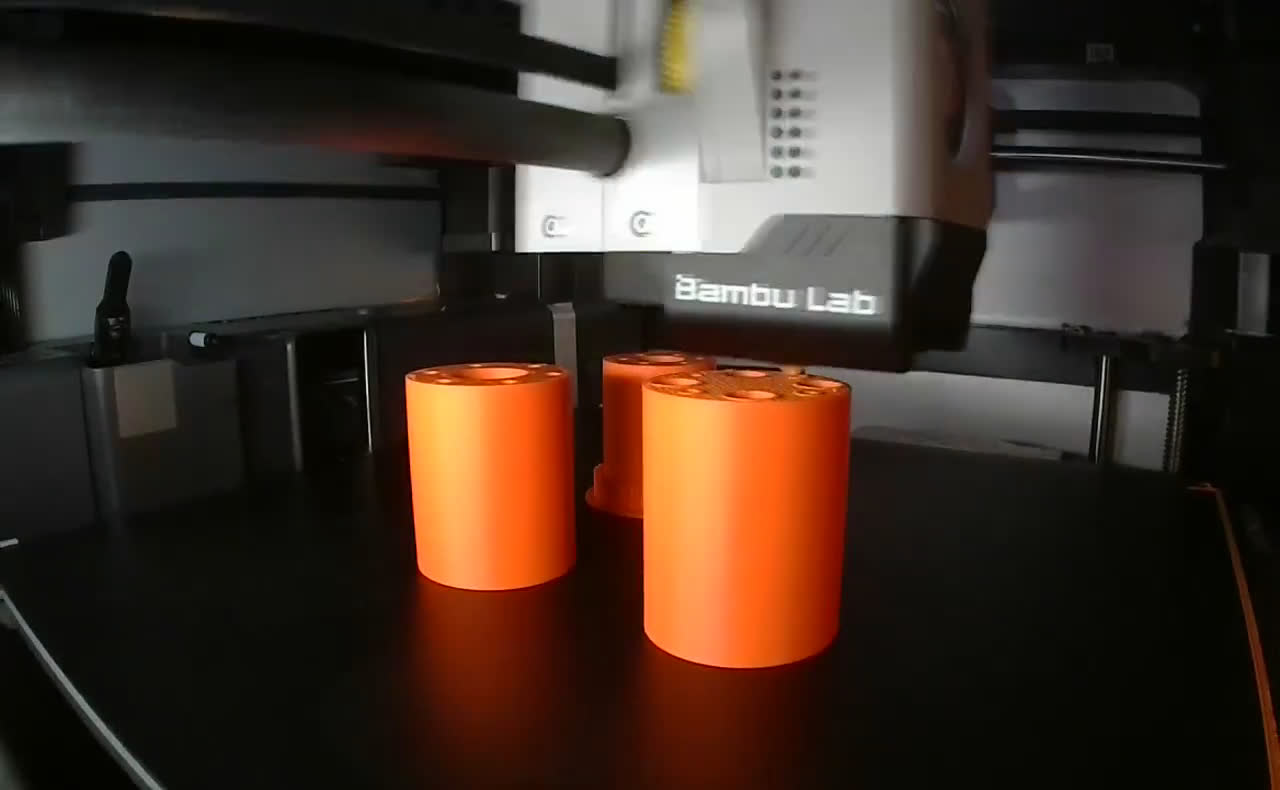
- Parts:
UPPER_ARM/J2_shaft,SHOULDER/J1_rotation_shaft,UPPER_ARM/38_pulley_J3,ELBOW/J4_limiter(the high-infill shafts, the J3 pulley and the J4 limiter). - Material: Orange PETG HF, 70% infill.
- Layers: 239.
- Print time: about 3 h 16 min.
- Milestones: M3. The whole arm.
Plate 7: the J1 turret
Watch the timelapse (MP4). Poster.
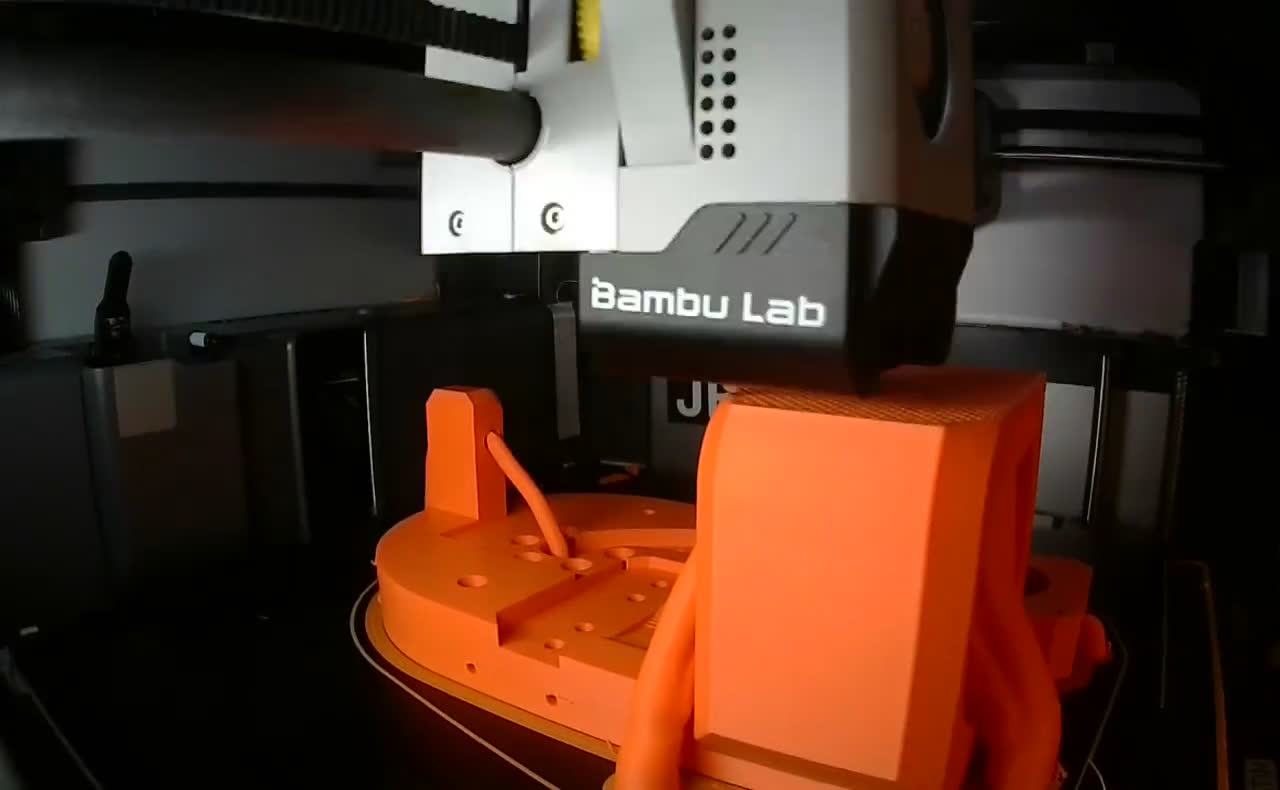
- Parts:
SHOULDER/J1_turret_rework_blocker(the J1 turret, the biggest part of the arm). - Material: Orange PETG HF, 45% infill, tree supports.
- Layers: 375.
- Print time: about 6 h 13 min.
- Milestones: M3. The whole arm.
Plate 8: shoulder parts
Watch the timelapse (MP4). Poster.
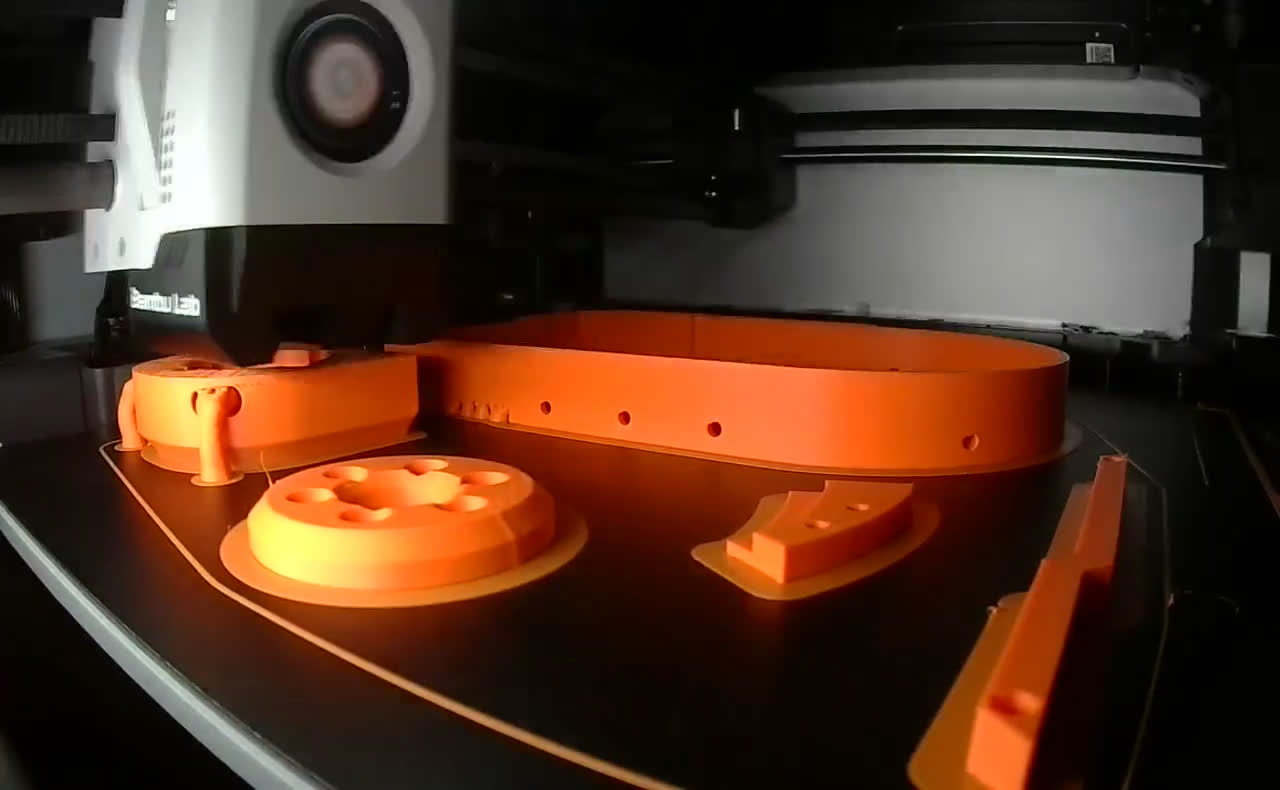
- Parts:
SHOULDER/J1_turret_motor_holder,SHOULDER/J1_backplate,SHOULDER/J1_belt_cover_rework,SHOULDER/J1_wires_cover_rework,SHOULDER/J2_limit_switch_cover(the shoulder's motor holder, backplate, covers and J2 limit-switch cover). - Material: Orange PETG HF, 80% infill.
- Layers: 100.
- Print time: about 3 h 40 min.
- Milestones: M3. The whole arm.
Plate 9a: electronics case
Watch the timelapse (MP4). Poster.
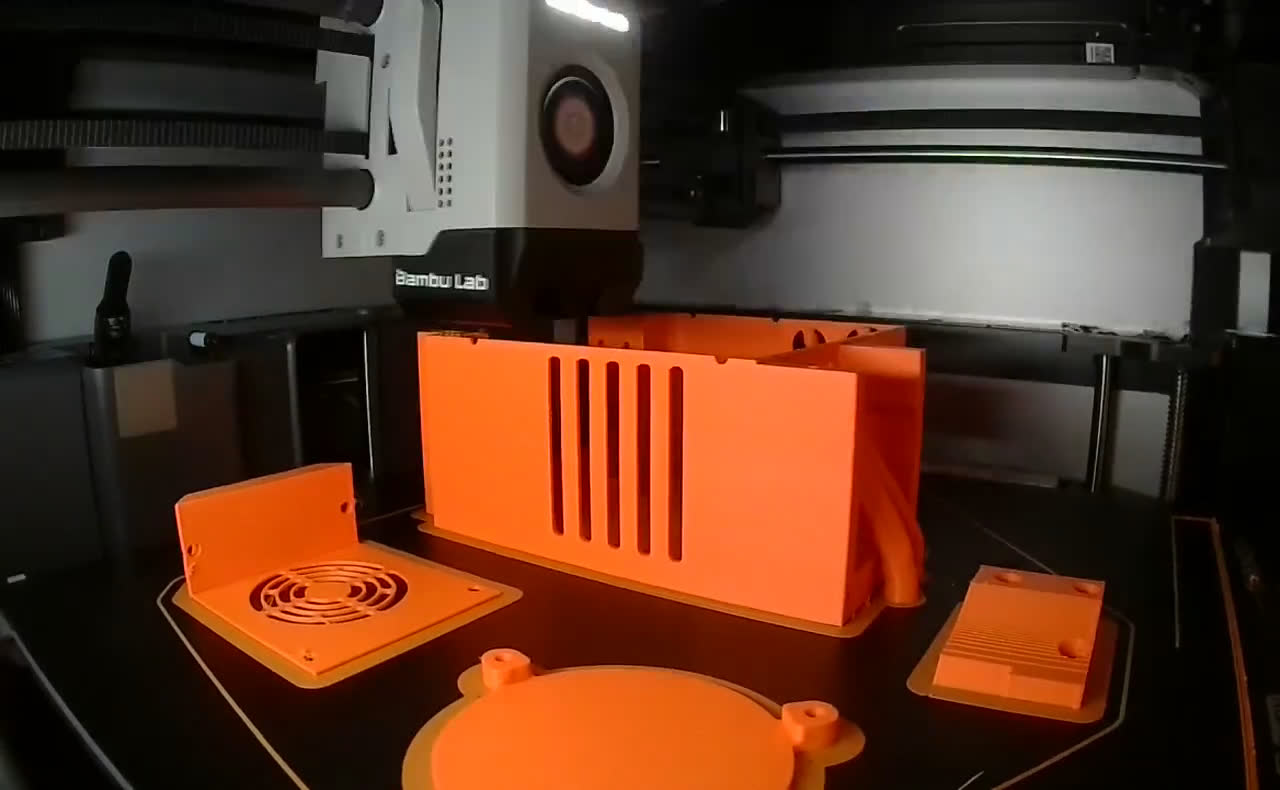
- Parts:
BASE/Electronics_case_v1_1,BASE/fan_cover,BASE/J1_bottom_lid,SHOULDER/J2_stopper_block(the electronics case, its fan cover, the J1 bottom lid and the J2 stopper block). - Material: Orange PETG HF, 50% infill.
- Layers: 299.
- Print time: about 4 h 26 min.
- Milestones: M3. The whole arm.
Plate 9b: main base
Watch the timelapse (MP4). Poster.
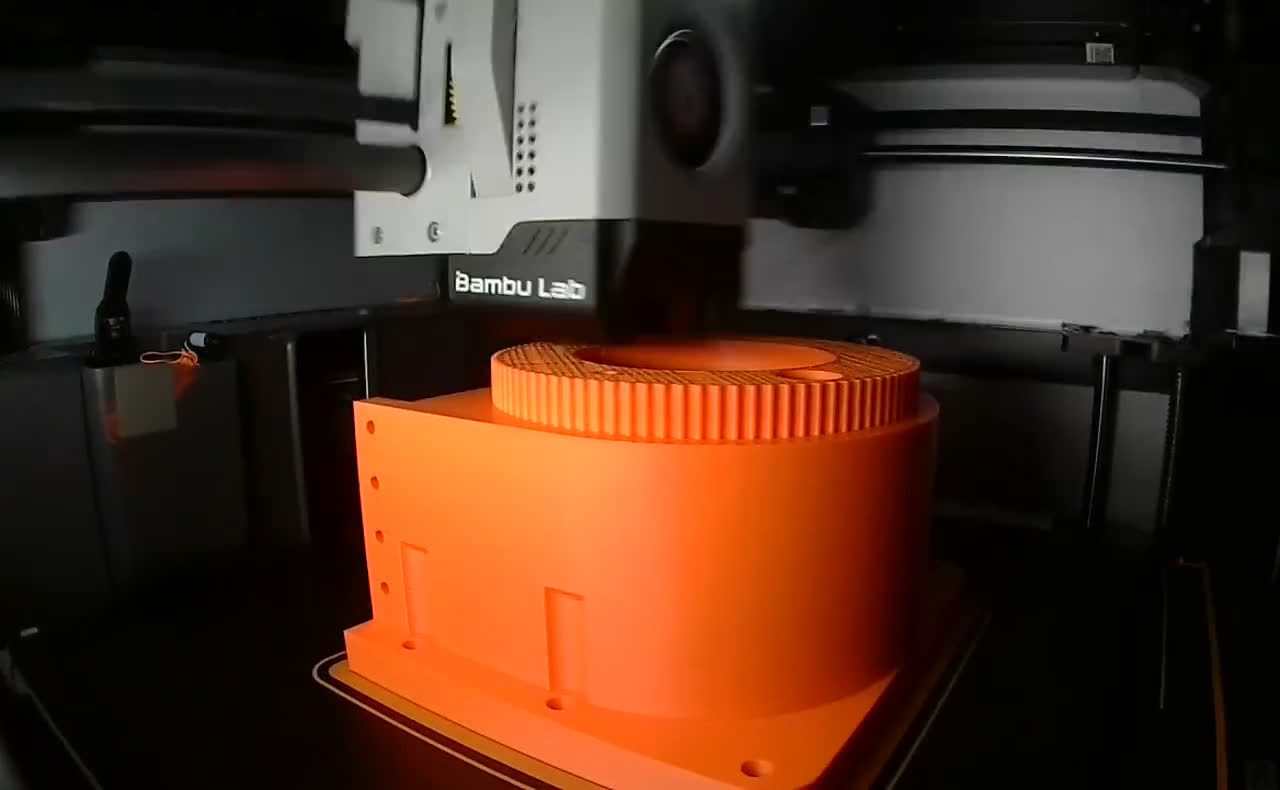
- Parts:
BASE/main_base_blocker(the main base, the last printed arm part). - Material: Orange PETG HF, 50% infill.
- Layers: 352.
- Print time: about 7 h 33 min.
- Milestones: M3. The whole arm.
Plate 9c: electronics lid
Watch the timelapse (MP4). Poster.
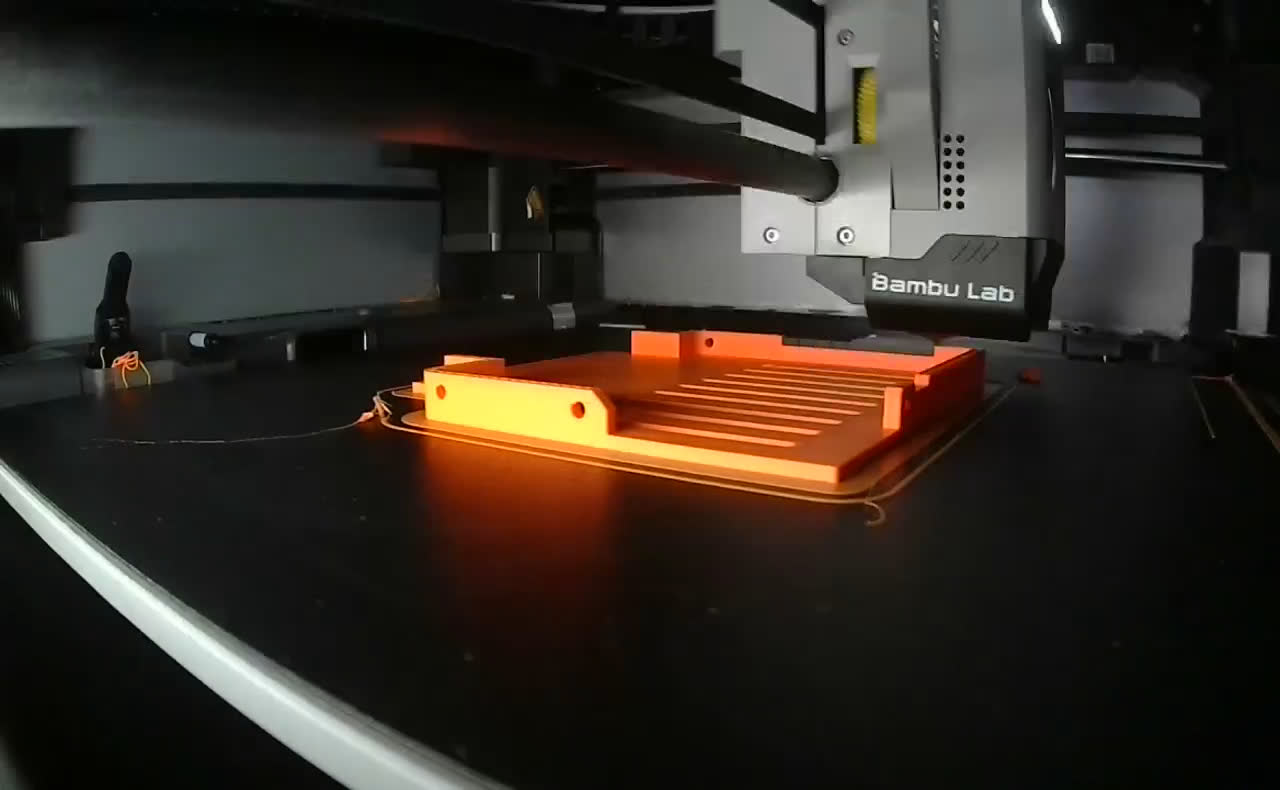
- Parts:
BASE/lid_electronics(the lid for the electronics case). - Material: Orange PETG HF, 50% infill.
- Layers: 52.
- Print time: about 1 h 6 min.
- Milestones: M3. The whole arm.
Terms
- print plate: the set of parts printed together in one print job.
Sources
- Printing, PAROL6 docs 1.1 Source Robotics. Why PETG, and fitting bearing seats. Accessed 2026-11-07.